Turn Your iPhone or iPad into a Dual Display Web View
Display, control, and sync web pages across multiple screens. Ideal for digital signage, dashboards, and kiosks.
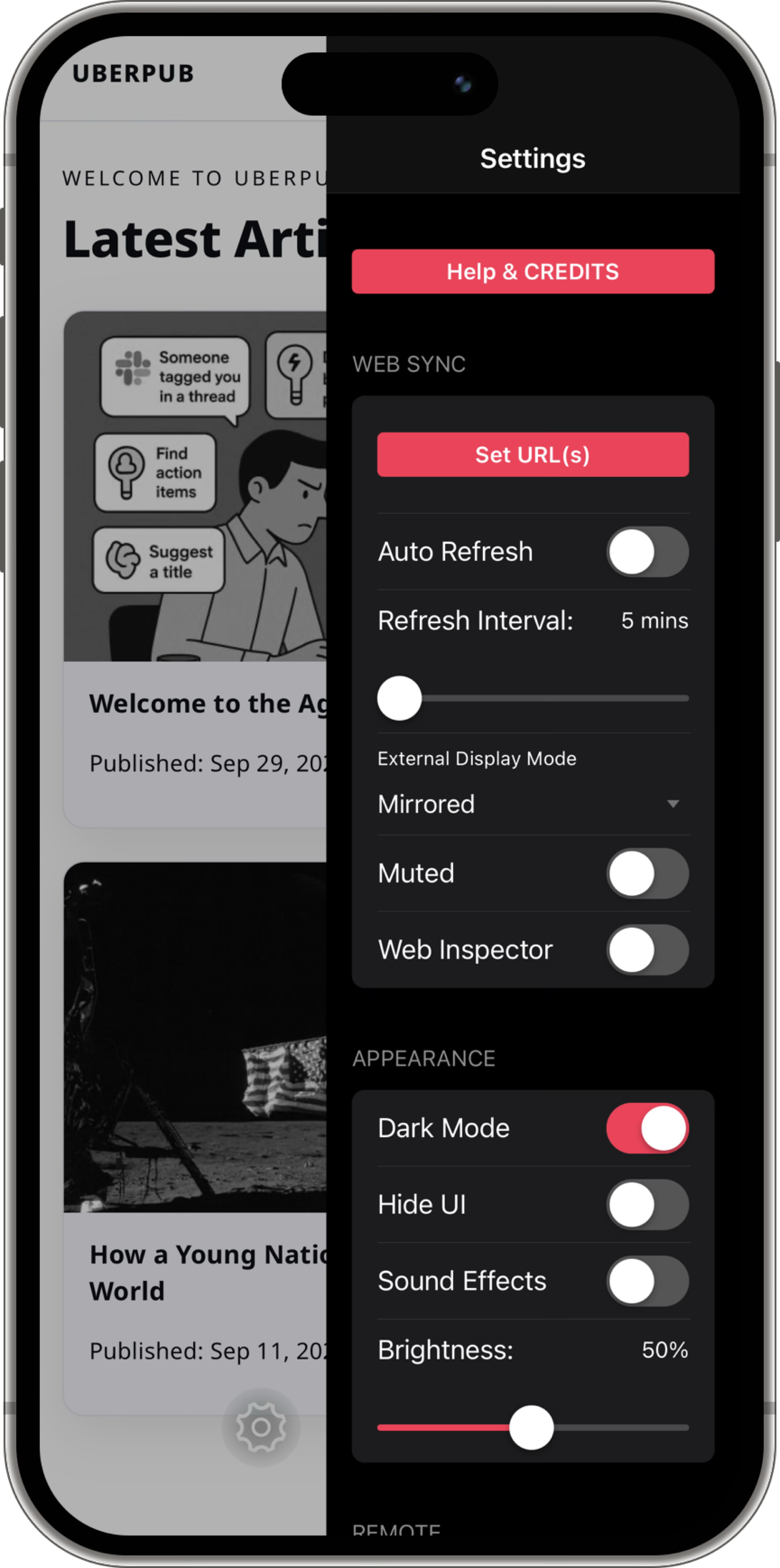
Powerful Features for Every Use Case
Dual Display Mode
Show separate web pages on your device and external display, or mirror them in sync.
Local Operation
Configure URLs, refresh, or toggle modes right from the app. No purchase required.
Remote Control
Manage everything via WebHooks or the Remote Control Portal. You can change URLs, refresh pages, or send messages from anywhere.
Auto Refresh & Debug Tools
Enable auto-refresh intervals and use Web Inspector to debug and monitor live content.
Kiosk Mode
Lock down your display for interactive public use. This is perfect for events, hotels, and information stations.
Full System Control
Adjust brightness, toggle UI visibility, send speech messages, and even capture screenshots remotely.
Made for Every Display Scenario
Digital Signage
Display menus, announcements, or live dashboards on external monitors. You can update them remotely in seconds.
IoT Dashboards
Visualize smart home or system metrics with auto-refreshing dashboards. Keep key data visible at all times.
Interactive Kiosks
Use your iPad as the controller and show related web content on a connected display. This is ideal for events, hotels, and information points.
Privacy First. Local by Design.
Web Sync collects no personal data. The only data transmitted are screenshots of your displays, and only when you manually trigger them from the Remote Control Portal. You can also use the app entirely locally. Configure URLs, refresh pages, switch display modes, and more, all locally on your device.
Please view our full Privacy Policy for more details.
Unlock Advanced Controls
Web Sync is free to use locally. A one-time in-app purchase unlocks Kiosk Mode and Remote Control features. You get full command of your web displays from anywhere.
Learn more about kiosk mode and how to pass events between the main device screen and the external display in our Documentation page.